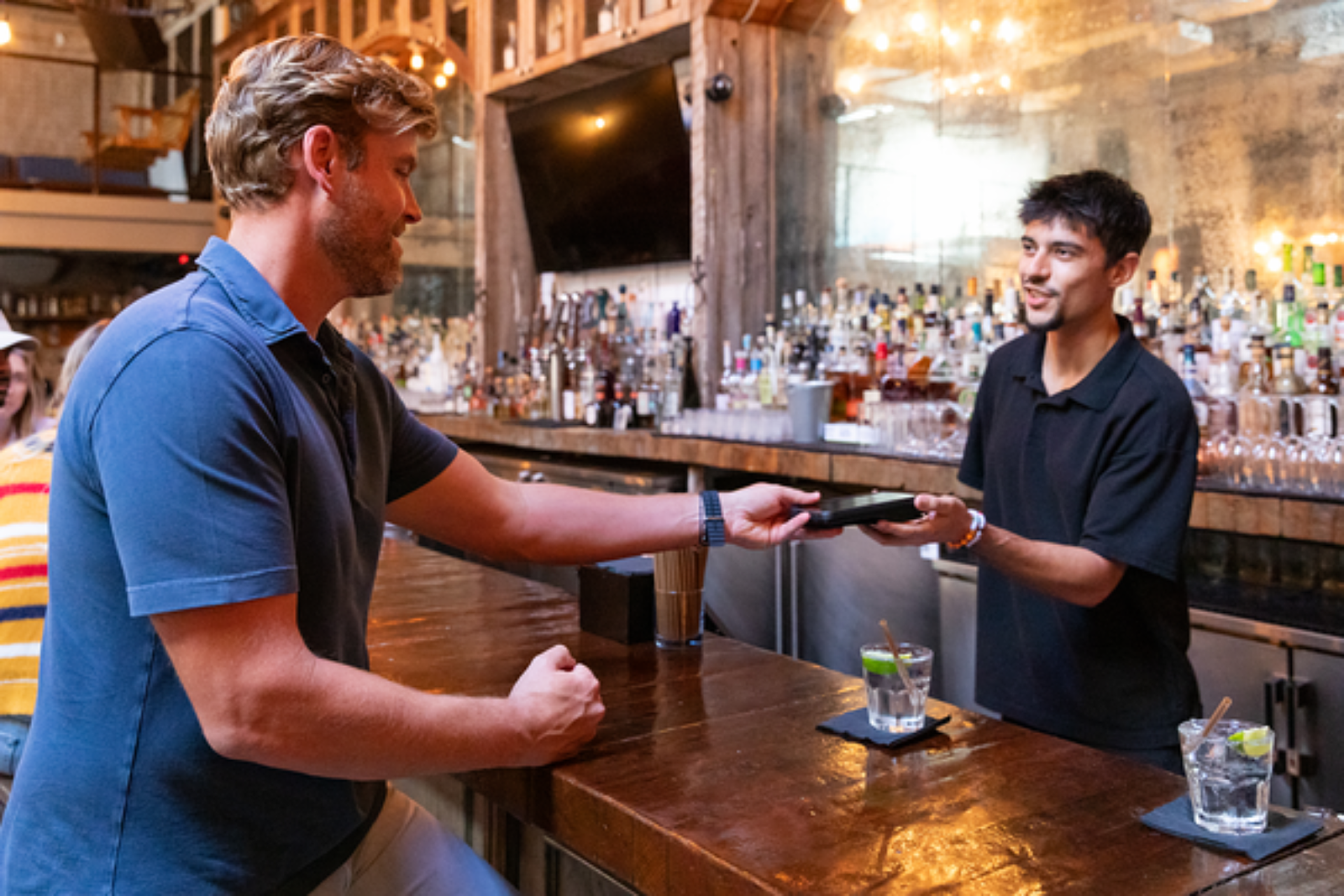
The Best Bar POS Systems: 10 Must-Have Features
The right all-in-one bar POS system and features can help bar owners increase visibility into your profit margins and help you better understand your customers and business.
Autor
 RECURSO
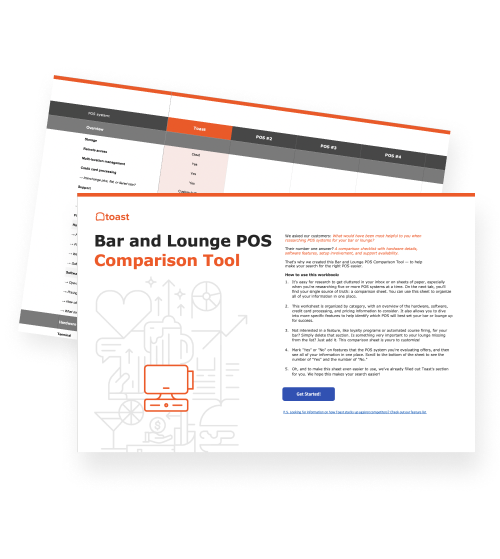
 Herramienta de comparación de puntos de venta (POS) para bares y lounges
Una herramienta gratuita de comparación de POS para bares y lounges, que permite investigar y comparar sistemas de puntos de venta en una hoja de Excel.
Obtener descarga gratisIn the nightlife industry, true success isn’t just measured by high sales and large crowds.
The ultimate goal is to achieve status as one of the hottest venues in your city or town, and this is in part accomplished by consistently providing guests with exceptional service. Depending on your bar or club, that can mean quick service, personalized service, or service that includes a long chat over a beer.
But for any bar or nightclub, it’s critical to have staff and systems in place that can keep up with a uniquely challenging, fast-paced, and crowded environment.
To keep the service and guest experience seamless, you need a nightclub or bar point of sale (POS) system that can keep up with the rush.
Key takeaways
A bar POS system is built for speed and chaos. Bars and nightclubs run at a different pace than full-service restaurants, so your POS needs to handle high volume, fast service, and constant menu changes without slowing your team down.
Customization, check flexibility, and preauth are non-negotiable. Your system should make it easy to ring up off-menu drinks, split checks, and move tabs from bar to table — and credit card preauthorization protects you from fraud and dine-and-dashes while speeding up service.
Cloud-based menu management saves time. Update happy hour specials, 86 a keg, or change pricing from your phone — no need to be on-site or restart the system.
Suggested tip percentages benefit everyone. Prompting guests with tip options (typically 15%, 18%, and 20%) makes tipping easier, increases the likelihood of a tip, and puts more money in your bartenders' pockets.
Mobile handhelds like the Toast Go® 3 keep staff in front of guests. Durable, spill- and dust-resistant, drop-rated up to 5 feet, with all-day battery life and optional built-in cellular, handhelds let your team take orders and run payments anywhere — including patios and events with spotty Wi-Fi.
Reporting and controls protect your margins. Real-time sales, labor, and inventory reports help you spot over-pouring and waste (liquor costs typically run 18–20% of sales), while user permissions and cash drawer tracking add accountability in an industry where roughly 95% of businesses experience theft.
With the right bar management software and technology, owners and operators get critical insight into their profit margins and better understand both their business and their customers. More importantly, the right POS system will allow bar and nightclub staff to spend less time in front of the screen and more time in front of customers, pouring delicious drinks and making connections.
If you're searching for a new POS system for your bar or nightclub — or looking to open a bar — here are 10 must-have POS features to look for.
And to help you evaluate more tools along the way, you can download the Bar and Lounge POS Comparison Tool and check out the Toast vs competitors compare guide.
The best POS systems for bars in 2026
With Toast, you can serve up drinks fast with easy and efficient tools, all at your fingertips. From 24/7 reliability to flexible options for every budget, here's to finally getting that me time back.
But don’t just take it from us. Here’s what others have to say about Toast:
Toast's Starter Kit package is the ideal POS system for small bars or restaurants that need one or two terminals to get up and running. You can choose between a countertop kit or a handheld kit featuring the Toast Go® 3, both of which come with free setup and installation support, a point of sale software subscription, and a router.
The Toast Essentials package is ideal for existing bars and restaurants that are ready to get started with Toast. Interested in learning more? View and compare Toast packages or request a demo with a Toast specialist to get started.
The top 10 features of a bar POS system
1. Menu item customization
Ask a bartender about the strangest drink order they've ever concocted, and they'll probably list off a slew of cocktail combinations you're not familiar with.
The skills needed to make both common and uncommon drinks are crucial — which is why many bars and nightclubs have apprenticeship training programs — but the skills needed to ring up those orders on the POS system are also important.
You need a bar POS system with intuitive workflows designed to handle high volume. This makes onboarding new staff much faster since the interface is easy to navigate. Customization is key. It shouldn’t be difficult to enter a mojito with vodka instead of rum and basil instead of mint. A bar POS should be built to support bartenders no matter the customization request.
Plus, for bartenders who are still getting started or may forget a drink recipe, a POS system built for bars will allow you to put recipes into the system. This way, bartenders can easily pull up the recipe within the POS as a reference.
2. Ability to move and split the check
"Oh, by the way, could we split the check?"
To a bartender or server, this can be one of the more grating requests a customer makes. It could mean you have to remember what everyone ordered, go back into the system, and print a check for each person. It might also mean your guests are about to have a debate about who's going to cover the nachos everyone shared.
Maybe less frustrating — but still frustrating nonetheless — is a customer who orders at the bar while they're waiting for a table and leaves without closing out their tab.
Effective tab management is essential; you need a system that makes moving checks from the bar to the table or splitting them effortless for your staff. Guests at bars are more likely to want to divide the bill, either among locations or members of their party. With the right bar POS software, you can make this process fast and easy for everyone.
3. Preauthorization of credit and debit cards
Modern payment processing should include credit and debit card preauthorization. This style of card processing also supports contactless and mobile payments, which guests now expect.
Why is this important? In the bar and nightclub industry, things move fast. Besides having to look out for fake IDs, you might also have to look out for fake credit cards. With preauth, you limit fake and stolen cards, as well as the liability of large, unpaid checks due to insufficient funds or a dine-and-dash situation. You can also customize the amount that you preauthorize, only allowing cards that have a certain amount — whether it's $1, $50, or the exact amount on the check — to be used.
Plus, because preauth only requires one tap, bartenders can speed up service, spending less time at the point of sale system and more time making drinks. It also delivers a better customer experience, as guests won’t have to worry about leaving their physical credit card with a bartender to keep a tab open.
Nightclub or bar POS software with preauthorization will also immediately tokenize and encrypt customer credit card information when it's swiped, so no sensitive information is stored on the device.
Overall, preauth ability is an absolute must-have for a bar POS system and should be considered when deciding which platform to go with.
4. Easy menu management for daily drink specials and happy hours
At a bar or nightclub, a menu might change daily.
Drink specials, happy hour specials, and pitcher specials — not to mention weekly inventory changes from your beer and liquor vendors — make your menu a living, breathing entity.
So why should you have to restart your system to change a menu item or physically be at the bar to get into the menu management software?
With a cloud-based bar POS system, like Toast, you can add your specials on your phone, while lying on your couch at home. Or, if you're suddenly out of a keg, you can 86 an item with the tap of a button, communicating that change to every bartender or server so they know immediately not to take orders for that beer.
Gina DiZonno even once updated the daily specials for Arrowhead Ales Brewing Company in Chicago while at the zoo. “The mobility and flexibility of not having to be here is fantastic,” she said.
Easy menu management tools make your life, and the lives of your staff, easier. Be sure to choose a bar POS system that offers these simple customization options.
5. Suggested tip percentages
Bartenders and servers can make a ton of money on tips — and for good reason. For most bartenders, tips make up a very significant part of their livelihood.
“Waiters and bartenders earn more in tips than they do from what employers pay them as an hourly base wage. The median share of hourly earnings that come from tips account for 58.5 percent of wait staff’s earnings, and 54 percent of bartenders’ earnings”.
Irene Tung
Senior Researcher and Policy Analyst, National Employment Law Project (NELP)
As a bar or restaurant owner wanting to keep your bartenders happy and put more money in their pockets, you may want to implement suggested tip percentages to help increase the value of tips your servers and bartenders get.
On the check, terminal screen, or a handheld POS device, you can suggest tip percentages to customers so they don't have to do the math. Not only does this improve guest experience, but it also increases the likelihood of a guest tipping.
The most popular options for suggested tip percentages are 15%, 18%, and 20%.
However, with Toast, you also have the option to show tip suggestions in dollar amounts below a certain transaction threshold. For example, a check that is less than $5 can be shown tip options of $1, $1.50, and $2 rather than percentages.
More than anything, choosing a bar POS system that allows you to easily customize and set suggested tip percentages will make your staff and your guests happier.
The same principle applies to upselling. Toast's beta Menu Upsells feature surfaces add-on suggestions at the point of sale — and during one of the first weekends of early usage, cocktail bar Wylie and Rum and seaside full-service restaurant Mission Boathouse saw approximately a 6% increase in average order value on orders that used the feature.
6. Detailed customer reporting and sales reporting
One of the biggest challenges for bars and nightclubs is getting customers through the door and coming back for more. It becomes a lot easier with the right bar POS software.
Nightclub and bar POS management software that has a built-in customer relationship management (CRM) system enables you to collect guests’ contact information and detailed order history any time customers pay with a debit or credit card. This information can be used to create a contact list to notify customers via email about upcoming promotions and events without having to hire a promoter or marketing professional.
By storing customer data, you can identify and reach out to your biggest spenders and reward them through integrated loyalty programs or digital gift cards..
A centralized dashboard allows managers to see real-time data to drive better business decisions. For those running a multi-location enterprise, this high-level view of the back office is invaluable. Cloud-based POS solutions that offer enterprise reporting give owners and managers secure access to detailed sales, inventory, and labor reports across all of their businesses or segmented for each location.
You can even drill down into reports to see more in-depth information such as a specific employee’s productivity or the sales of a particular menu item. If you already own multiple businesses or plan to expand in the future, this feature will prove invaluable to you as you look to manage and understand all of your various operations and how each is contributing to your bottom line.
7. Mobile POS hardware
When staff members spend more time with your guests, your bar or nightclub’s efficiency and reputation drastically improve. Mobile POS systems eliminate the clunky technology that typically stands between staff and guests. Whether you are using a dedicated handheld or an iPad, providing tableside service significantly reduces wait times at the main terminal.
Using handheld bar POS systems, such as the Toast Go® 3, employees can quickly and effortlessly accept orders, process payments, and complete transactions all while interacting with their guests. Customers can even tip, sign, and request text or email receipts right on the handheld POS interface.
This means you’ll be able to serve more guests in a shorter amount of time, all while your staff members spend more time interacting with your guests and VIPs — instead of maneuvering back and forth through the crowd to access a central payment terminal.
And in an environment that’s fast-paced and beer-filled, it helps to have hardware that’s durable. Toast POS handhelds are made with restaurant-grade durability — the Toast Go® 3 is rated resistant to spills and dust, and drop-rated up to 5 feet. Plus, with all-day battery life and lightning-fast processing, they're ready when you are.
Harpoon Brewery put Toast hardware to the test, finding that when you spill a beer on it, all you have to do is, “wipe it down and go about the day,” according to GM Brad Tinkham.
The Toast Go® 3 can also include built-in cellular connectivity, so your team can take orders and process payments seamlessly over Wi-Fi or cellular. That's especially useful for patios, rooftops, pop-up events, or any spot in your venue where Wi-Fi gets spotty.
When choosing a bar POS system, make sure it can withstand the rigor of your restaurant while also providing a sleek, modern look that blends into your bar rather than standing out.
8. User access permissions
Granular permissions are a core part of effective employee management, ensuring your data is secure while giving staff the tools they need. There are two primary ways to control user permissions: job-based permissions and individual personnel permissions.
Job-based permissions allow business owners to set specific, default configurations for all of their employees based on their roles. For instance, you can set up job-based permissions so your bartenders and servers cannot provide voids and comps without a manager's approval.
Individual personnel permissions are configured and assigned to specific employees. If one of your bartenders is being trained for a management position, for example, and you want to provide them with access to your labor reports, you can do so without assigning default permission to all of your bartenders. This lets you know that your data is secure and that your staff members are only capable of performing actions that you have approved.
9. Cash drawer management
Approximately 95% of all businesses experience theft at some point. Employee theft at bars and nightclubs is particularly high due to the large volume of cash flow.
In addition to helping owners and operators detect theft through detailed sales and inventory reporting, some bar and nightclub POS systems also offer cash drawer management. These systems offer functionality like the ability to track multiple cash drawers separately, the option to tie specific cash drawers to individual employees, and even the implementation of blind closeout capabilities.
Blind closeout requires employees to reconcile cash at the end of their shift without notifying them of the exact amount that they are expected to return. The blind closeout feature makes close-of-day tasks far less time-consuming for managers while also providing employee accountability and financial security.
10. Bar and liquor inventory
Liquor costs in the restaurant and bar industry are typically 18-20% of total liquor sales. And the more you can optimize your liquor cost percentage, the more money your business will make.
With real-time software, you can receive alerts for low stock and sync your inventory with a KDS (kitchen display system) to ensure the bar and kitchen are always aligned.
Plus, tracking inventory in a bar has its advantages — namely, noticing situations where bartenders are over-pouring or giving away too many free drinks. Inventory variance reports compare your actual inventory to your theoretical inventory so you can diagnose where your variances are — waste, over-pouring, theft — and start improving processes and training.
With a solution like xtraCHEF by Toast, you can track exactly where your money is going, integrate across systems, and optimize margins.
A great bar POS system is the foundation of a successful bar
The features of bar POS systems are unique even when compared to other restaurant concepts. Preauthorization, the ability to split checks, and customized happy hour and drink specials are some of the most valuable features of bar POS software and will make a busy night in your bar a breeze.
With so much happening in a bar or nightclub, it can be easy for things to fall through the cracks. An optimized bar POS system will help you by streamlining operations, providing better insight into your customers, and allowing your staff to provide the best possible service to all of your guests.
At the end of the day, reliable bar POS software will improve your business's bottom line while helping your establishment become one of the hottest venues in town.
Bar POS System FAQs
How much does a bar POS system cost?
Bar POS pricing typically combines a monthly software subscription with the cost of hardware (terminals, handhelds, card readers, printers). Most providers offer tiered packages — starter kits for small bars run lower, while multi-terminal setups with handhelds and integrations cost more. Watch for processing fees, installation charges, and whether reporting and inventory tools are included or sold as add-ons.
What's the difference between a bar POS and a restaurant POS?
A bar POS is built for higher-volume, faster-paced service with features restaurants don't always need — credit card preauthorization, easy tab management, drink-specific menu customization, and quick happy hour adjustments. Restaurant POS systems prioritize coursing, table management, and kitchen routing. Many modern platforms (including Toast) handle both, but a bar-focused setup will lean harder on speed, tab handling, and bar-specific inventory tools.
Do small bars really need all these POS features?
Yes — most of these features matter more at small bars, not less. Preauthorization prevents walked tabs that hurt small operations disproportionately. Cloud-based menu management means an owner-operator can update specials from anywhere. Inventory tracking catches the over-pouring and shrinkage that quietly erode margins when liquor costs are already 18–20% of sales.
What is credit card preauthorization, and why do bars need it?
Preauthorization places a temporary hold on a customer's card when they open a tab, verifying the card is valid and has available funds before drinks are served. This protects bars from fake cards, insufficient funds, and dine-and-dash situations — all common risks in fast-paced nightlife environments. It also speeds up service since closing the tab takes one tap, and customers don't need to leave a physical card behind the bar.
Can a bar POS system work on a patio or at outdoor events with no Wi-Fi?
Yes, if you choose handhelds with built-in cellular connectivity. Devices like the Toast Go® 3 can switch between Wi-Fi and cellular automatically, so staff can take orders and process payments in patios, rooftops, pop-up events, or any spot where Wi-Fi gets spotty. Confirm cellular capability is included with any handheld you're evaluating, since not all bar POS hardware supports it out of the box.
¿Es útil este artículo?
AVISO LEGAL: Esta información se proporciona solo con fines informativos generales y su publicación no constituye un aval. Toast no garantiza la precisión ni la integridad de la información, el texto, los gráficos, los enlaces y otros elementos que incluye este contenido. Toast no garantiza que alcanzarás ningún resultado específico si sigues los consejos que aparecen aquí. Te recomendamos consultar con un profesional, como un abogado, contador o asesor comercial, para recibir asesoramiento específico para tu situación.
 Tendencias



Subscribe to On the line
Sign up to get industry intel, advice, tools, and honest takes from real people tackling their restaurants' greatest challenges.
Al enviar, aceptas recibir correos electrónicos de marketing de Toast. Trataremos tu información de acuerdo con nuestra declaración de privacidad. Información adicional disponible para residentes de California aquí.