Choosing the best restaurant POS system in Canada running smoothly
A practical guide to finding a POS that fits how your restaurant runs in Canada. Toast is coming soon to Quebec in 2027.
What to consider when comparing POS systems
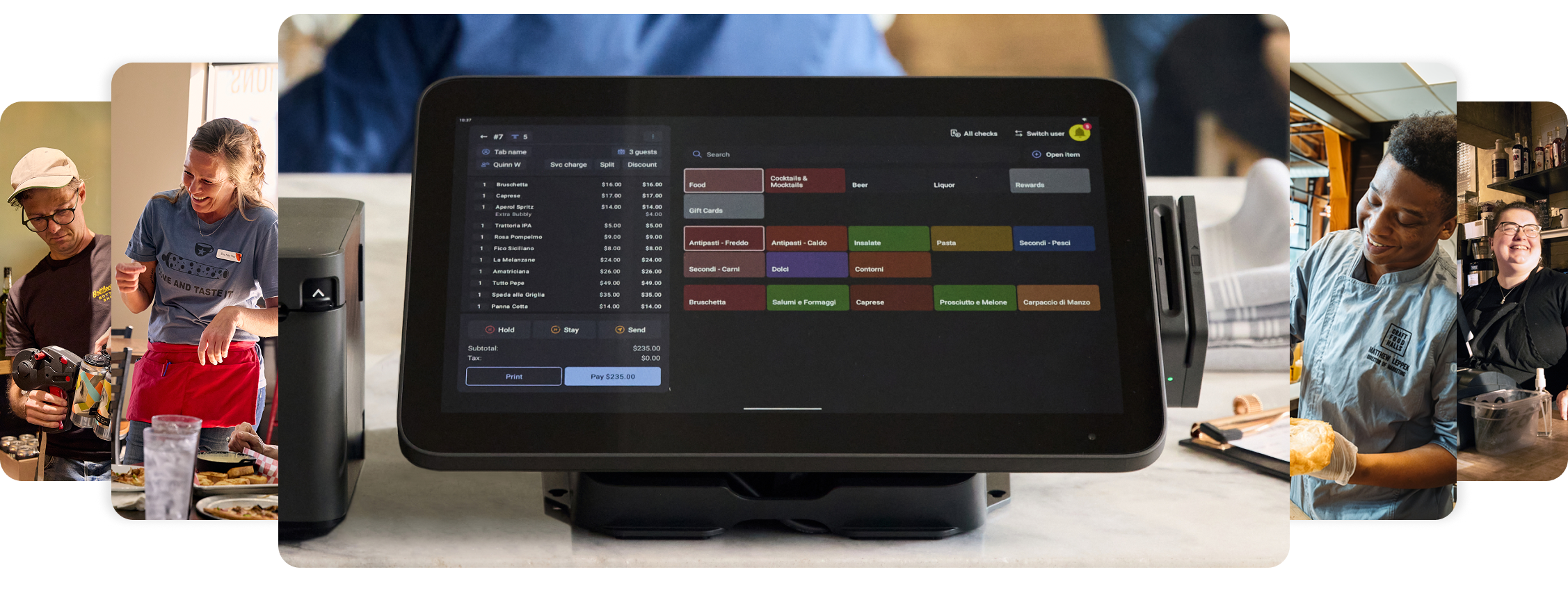
When you start comparing POS systems, most websites highlight the same features. The differences that matter for your restaurant are harder to spot from a spec sheet. For Canadian restaurants, we recommend you focus on how the system handles day-to-day service, whether it covers Canadian-specific needs like Interac and standard provincial tax handling, and what kind of support you can count on after you sign.
Operational needs
A POS does more than process payments. The system you choose affects how orders reach the kitchen, how your team handles tableside service, and how tips and reporting get managed at the end of a shift.
Before you compare vendors, get specific about what your day looks like. A few things worth mapping out:
- How orders flow from front of houes to the kitchen, and whether tickets get routed by station.
- Whether tableside ordering and payment on handhelds fits your service model.
- How tips are calculated, pooled, and distributed.
- Whether reservations and waitlists belong inside the POS or in a separate tool.
Online ordering belongs on that list too. It comes in two forms, native ordering on your own website, and third-party marketplaces. The right balance depends on how much revenue each channel brings in today, and which one you want to grow
These are the workflows Toast is built to handle natively, from order routing to tip distribution to reservations, rather than needing separate tools for each.
A POS sold in Canada should handle the basics of operating here without workarounds. That means Interac debit acceptance alongside Visa, Mastercard, Amex, and contactless. It also means tax handling that copes with the patchwork across provinces:
- GST and HST in most provinces.
- PST in British Columbia, Saskatchewan, and Manitoba.
- QST in Quebec.
Your POS should apply the correct rate by location and break the taxes out cleanly at month end. For Quebec, French-language support is required by law for customer-facing communications, and many operators outside Quebec run bilingual teams too. Support hours are worth checking too. If your restaurant runs evenings and weekends, the provider's support hours should cover those times too. Toast offers support Mon–Fri, 9am–10pm EST (Extended availability coming 2027) *

Setup, training and support
The setup and support side of a POS deal is often where contracts and reality drift apart. Ask each vendor a few specifics. Who handles the installation work, them or you? What does staff training cover on day one, and again three months later when you have new hires on the floor? What are the support hours, and how do outages get handled outside business hours? Toast offers direct implementation support and can support you live on premise with setup and training for an additional fee.
About Toast
Over 171,000 restaurant and retail locations use Toast as of Q2 2026. In Canada, Toast supports operators across full service, quick service, cafés, bars, and multi-site groups.

Deployment
Cloud-based with offline mode

Canadian support
Extended support hours *

Partner ecosystem
Integrated with popular restaurant tools across payments, delivery, scheduling, and accounting
Toast’s feature set

Front of house
Toast covers the workflows that take up most of a server's shift, tableside ordering and payment on handhelds, coursing, modifiers, and split checks. Reservation and waitlist tools tie into table management, so hosts can see bookings, turn times, and walk-in pacing in one view. For guests who opt-in or sign up to your loyalty program, their profiles save order history and preferences for seamless repeat visits

Back of house
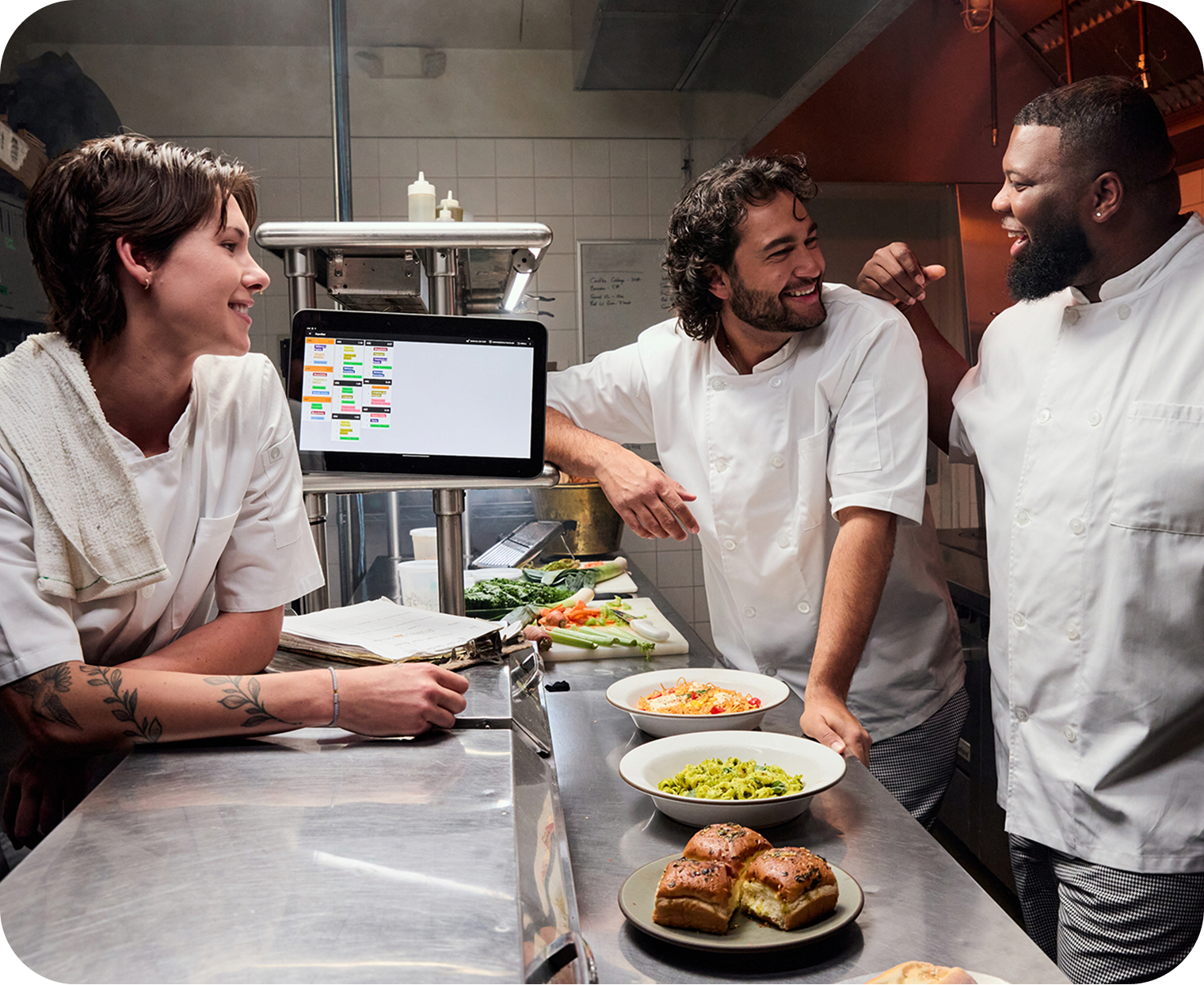
In the kitchen, Toast offers a Kitchen Display System (available as an add-on) that sends orders from the POS to the line in real time. Prep planning and production timing features are built for high-volume service, and the hardware is rated for the heat, spills, and grease of a working kitchen. Recall and reopen functions let you fix tickets without disrupting the line.

Online ordering and delivery
Toast splits online ordering into two channels. The native side runs on your own website. Orders flow directly into the POS and KDS. The third-party side covers integrations with popular delivery platforms like DoorDash and Uber Eats, so orders from those marketplaces show up in the same kitchen view as everything else. There is also an Order with Google integration for guests who start their search on Google.

Payments
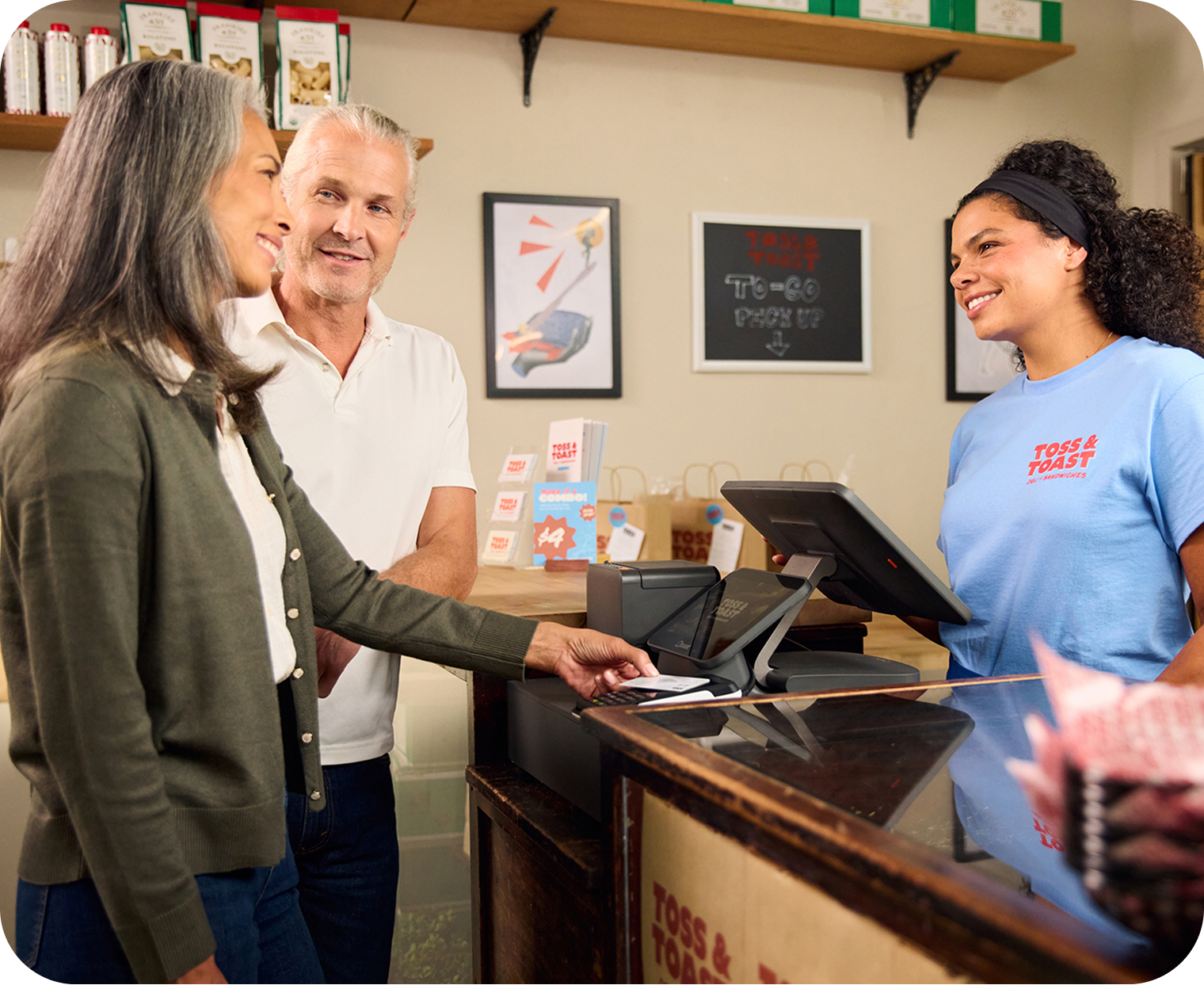
Payment processing is built into the POS, so you are not running a separate processor contract or reconciling between two systems. Toast accepts Interac, Visa, Mastercard, Amex, chip, tap, and contactless.
The platform is encrypted end-to-end and Level 1 PCI DSS compliant. Provincial tax handling for GST, HST, PST, and QST is configurable by location, which matters if you run sites across multiple provinces.

Staff Operations
On the staff side, Toast covers employee scheduling with shift planning and performance reporting as well as time tracking tied to sales data, and role-based permissions.

Reporting and marketing
Reporting runs in real time on web and mobile, covering sales, labour, and menu performance at item and category level. Multi-location operators get consolidated reporting across sites. Guest CRM ties visit history and preferences to email campaigns and loyalty programmes, which run on the same data as the POS rather than a separate marketing tool.

Next Steps
Before you book demos, map out your daily workflows across front of house, back of house, staff, and reporting, and separate the must-haves for day one from the nice-to-haves. When you schedule demos, ask vendors to walk through your service flow rather than a generic product tour, and request introductions to one or two operators using the system in a Canadian environment similar to yours.
Before you sign anything, look at:
A simple evaluation framework


Frequently Asked Questions
Toast supports Interac debit acceptance alongside Visa, Mastercard, Amex, chip, tap, and contactless payments.

Already use Toast at your restaurant? Log in to Toast.
By submitting this form, you acknowledge that your information will be processed according to Toast’s privacy statement.