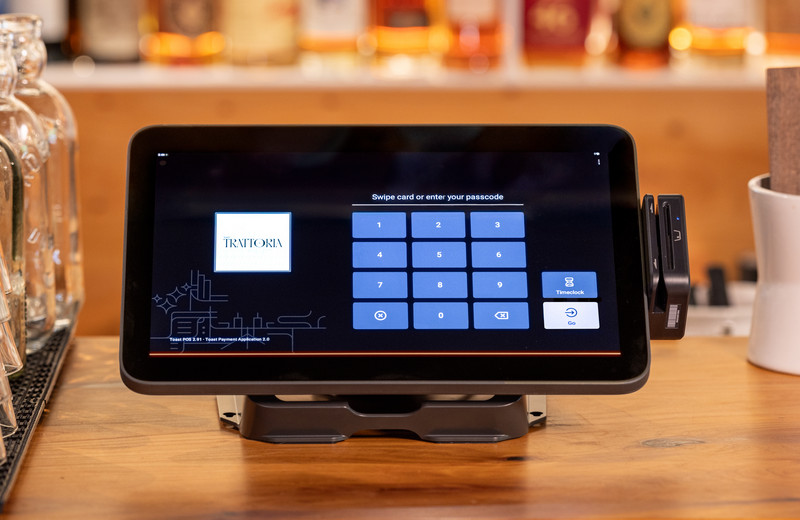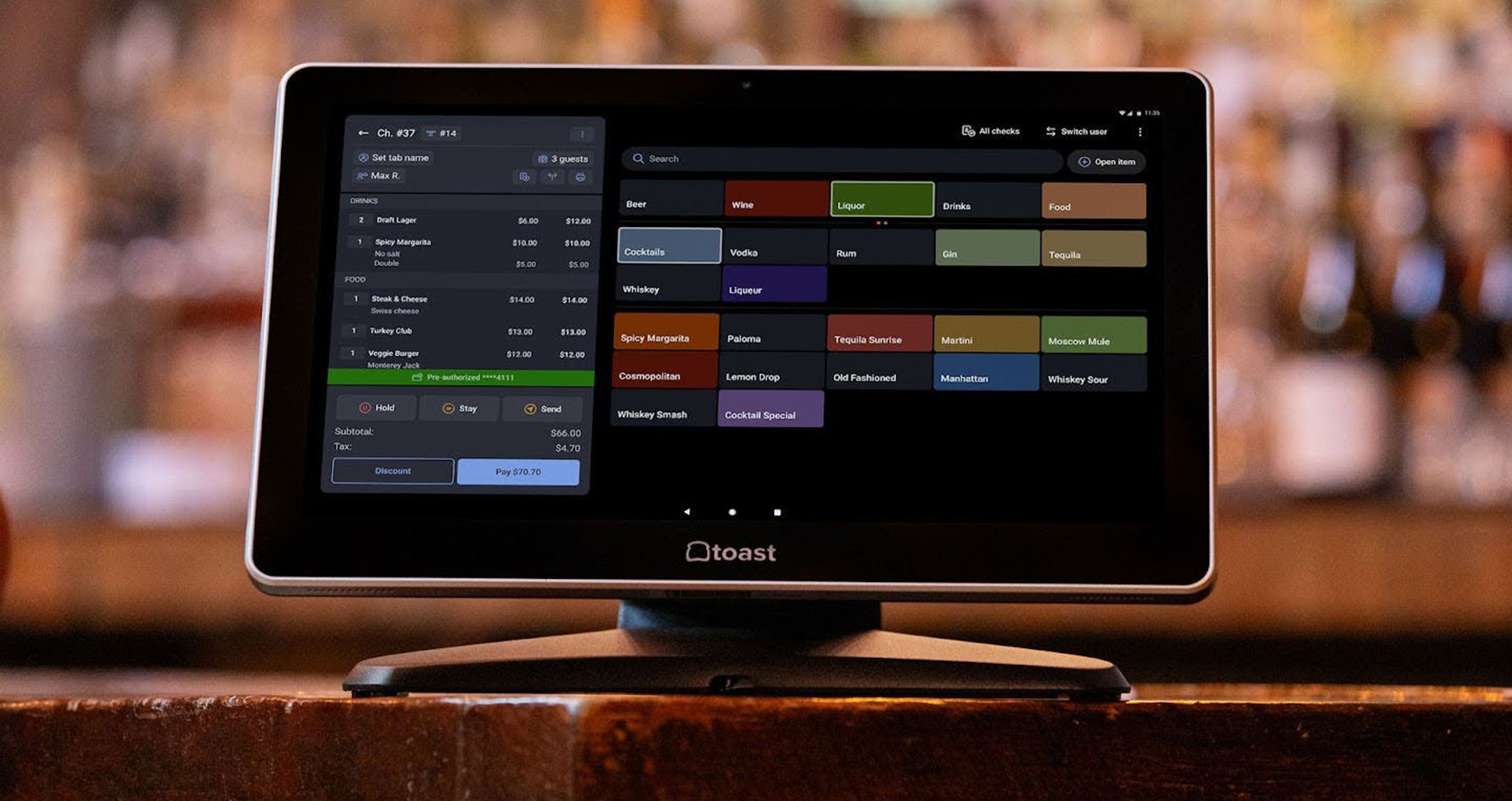
5 Types of POS Systems for Restaurants: A Simple Breakdown
Your point-of-sale system should align with your service style. Explore types of POS systems for restaurants and which kind may be best for you.
作者
 资源
资源 Different restaurants have different needs, from how they take orders to how they process payments and manage operations behind the scenes. That’s why there are several types of POS systems, each designed for different setups and service styles.
In this guide, you’ll learn the main types of POS systems for restaurants and how each one works.
Key takeaways
There are five main types of POS systems, each designed for different restaurant setups and service styles.
Cloud, on-premise, and hybrid systems differ in how they store and manage data.
Mobile and kiosk POS systems change how orders are taken and how guests interact with your restaurant.
Each POS type offers unique benefits, from flexibility and scalability to reliability and speed.
The best POS system depends on your restaurant’s operations, team workflow, and service experience.
餐厅经营计划模板
无论您处于餐厅经营的何种阶段,一份经营计划都将是您的指路明灯。利用这份免费模板梳理自己的愿景,确保万无一失。

1. Cloud-based POS systems
A cloud-based POS system runs on internet-based software rather than being installed on a local server. This allows your restaurant to process transactions, track sales, and manage operations in real time across multiple devices and locations.
Because data is stored in the cloud, you can access your system from anywhere and keep everything automatically updated.
Key benefits
Remote access: View sales, reports, and performance from anywhere with an internet connection.
Real-time syncing: Orders, inventory, and data update instantly across all devices.
Automatic updates: Software updates happen in the background without manual installation.
Scalability: Easily add new devices or locations as your restaurant grows.
Best for
Growing restaurants: Easily scale operations without needing new infrastructure.
Multi-location businesses: Keep data consistent across locations in real time.
Modern operations: Restaurants that rely on online ordering, integrations, and real-time insights.
2. On-premise POS systems
An on-premise POS system is installed locally on your restaurant’s own servers and hardware rather than relying on cloud-based software. Transactions, data, and system operations are managed on-site, which means the system can continue running without an internet connection.
However, updates, maintenance, and data management typically need to be handled manually or with on-site support.
Key benefits
Offline reliability: Continue processing orders and payments without an internet connection.
Local control: Data is stored on-site, giving you more direct control over your system.
Stable performance: Less dependent on internet speed or connectivity issues.
Best for
Restaurants with limited connectivity: Locations where internet access is unreliable.
Legacy systems: Businesses already set up with on-premise infrastructure.
Highly controlled environments: Operations that prefer to manage systems and data locally.
3. Hybrid POS systems
A hybrid POS system combines cloud-based software with local server support, allowing your restaurant to operate both online and offline. Transactions can be processed locally when internet connectivity is limited, then synced to the cloud once the connection is restored.
For example, Toast’s Offline Mode lets restaurants continue taking orders and processing payments even if the internet goes down. Then, the system automatically syncs data once the connection is restored.
Key benefits
Offline functionality: Continue processing orders and payments even if your internet goes down.
Cloud syncing: Data automatically updates across devices once connectivity is restored.
Balanced reliability: Combines the flexibility of cloud systems with the stability of local processing.
Reduced disruption: Helps prevent downtime during connectivity issues.
Best for
Busy restaurants: Operations that can’t afford interruptions during peak hours.
Locations with inconsistent internet: Businesses that need both offline capability and cloud access.
Restaurants seeking flexibility: Teams that want modern features without relying entirely on internet connectivity.
4. Mobile POS systems
A mobile POS system uses handheld devices or tablets to take orders and process payments from anywhere in your restaurant. Instead of being tied to a fixed terminal, staff can move freely throughout the space, entering orders tableside or completing transactions on the spot.
Key benefits
Tableside ordering: Staff can take orders directly at the table, improving speed and accuracy.
Faster service: Reduce wait times by eliminating the need to return to a central terminal.
Flexible setup: Easily adapt to different layouts, service styles, or busy shifts.
Improved guest experience: Creates a smoother, more personalized interaction with customers.
Best for
Full-service restaurants: Enable servers to take orders and payments tableside.
Food trucks and pop-ups: Portable setup works well for smaller or mobile operations.
High-volume environments: Helps staff move quickly and keep up with demand.
5. Self-service and kiosk POS systems
Self-service and kiosk POS systems allow customers to place their own orders using a touchscreen or digital interface. Instead of ordering through staff, guests can browse the menu, customize items, and complete payment on their own.
This approach can also improve speed and customer satisfaction. More than 4 in 5 Americans say they prefer using self-service kiosks, and many would choose—or even wait for—a kiosk over a staffed checkout.
Key benefits
Faster ordering: Reduce lines and speed up the ordering process during busy periods.
Labor efficiency: Shift some ordering tasks from staff to customers.
Order accuracy: Customers enter their own orders, reducing miscommunication.
Upselling opportunities: Digital menus can suggest add-ons and promotions automatically.
Best for
Quick-service restaurants: Improve speed and throughput during peak hours.
Fast-casual concepts: Balance convenience with a modern guest experience.
High-traffic locations: Manage large volumes of customers more efficiently.
We all have a type
Each type of POS system offers a different way to run your restaurant. In many cases, restaurants use a combination of these systems to support both operations and the guest experience.
For example, some full-service restaurants, like Olive Garden, use tabletop kiosks alongside traditional service, allowing guests to browse the menu, order items, and pay directly at the table.
Ultimately, the best POS system for you depends on how your restaurant operates, how your team works, and what kind of experience you want to deliver.
FAQ
What is the most common type of POS system used in restaurants in 2026?
Cloud-based POS systems are the most common in 2026, often supported by hybrid capabilities that allow restaurants to stay operational even during internet disruptions.
What is the difference between a cloud-based and a legacy POS system?
Cloud-based POS systems store data online and can be accessed from anywhere, while legacy (on-premise) systems store data locally and typically require on-site access and manual updates.
Are mobile POS systems a replacement for counter terminals?
Mobile POS systems can supplement or replace counter terminals in some setups, but many restaurants use both to balance flexibility with speed and efficiency.
Do kiosk POS systems require separate software?
Not always—many kiosk POS systems are integrated into the same platform as your main POS, allowing orders to flow into a single system without separate management.
What should I look for when choosing a type of restaurant POS?
Choose a POS type that fits your service style, supports your workflow, and can handle your volume, ordering channels, and future growth.

这篇文章有帮助吗?
免责声明:此信息仅作为一般性参考,发布并不构成认可。Toast 不保证本内容中包含的任何信息、文本、图形、链接或其他项目的准确性或完整性。Toast 不保证如果您遵循本文的任何建议,就能取得任何特定结果。您可能需要咨询专业人士,如律师、会计师或商业顾问,以获取针对您情况的具体建议。
 趋势
趋势