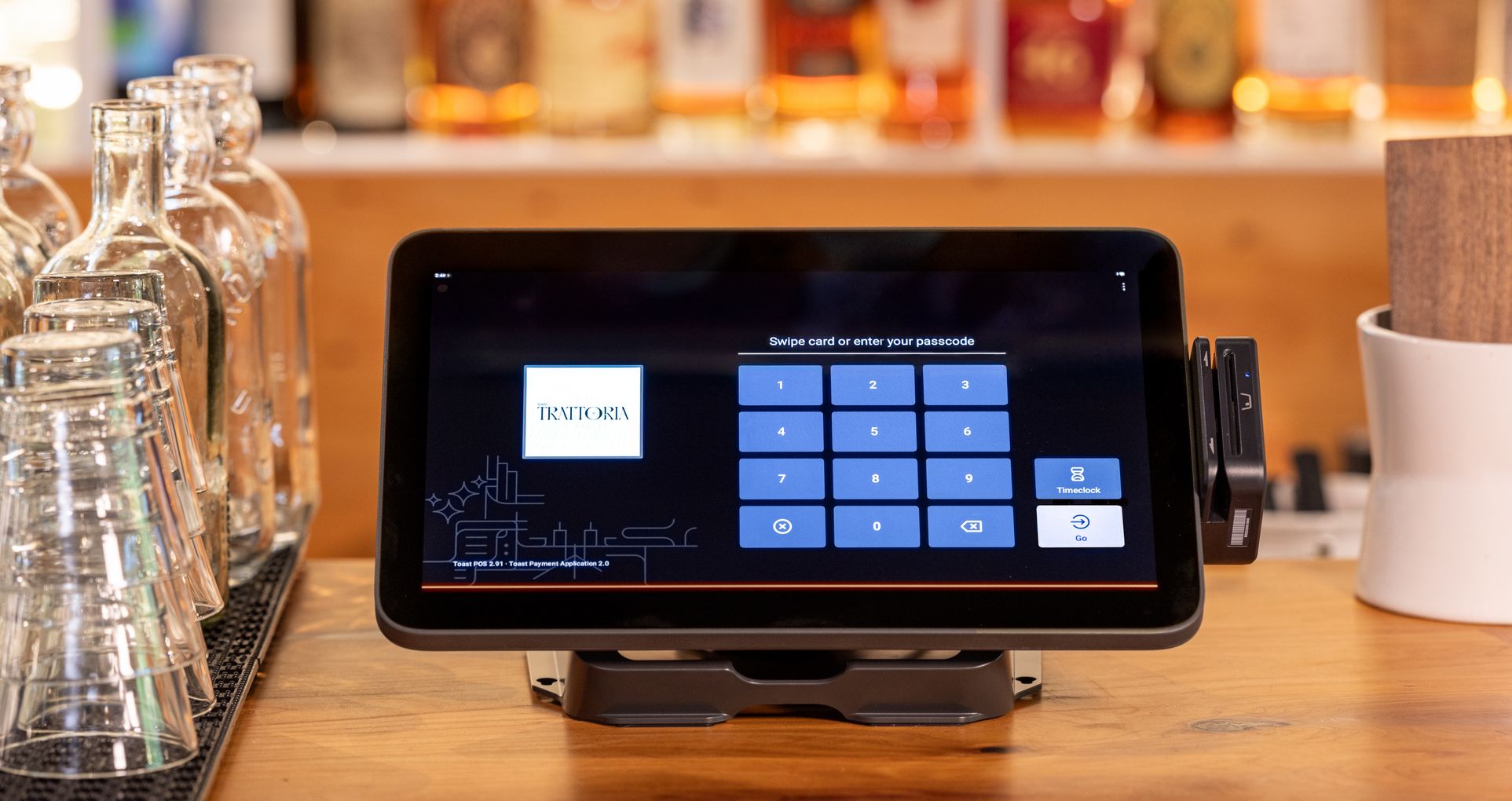
What is a POS System and How Does it Work?
A POS system used to be a cash register with a few extra features. Now it routes your tickets, runs your payroll, and tells you what sold at 8 p.m. on a Tuesday. Here's what a point-of-sale system actually does, how it works, and what to look for before you buy one.

ผู้เขียน
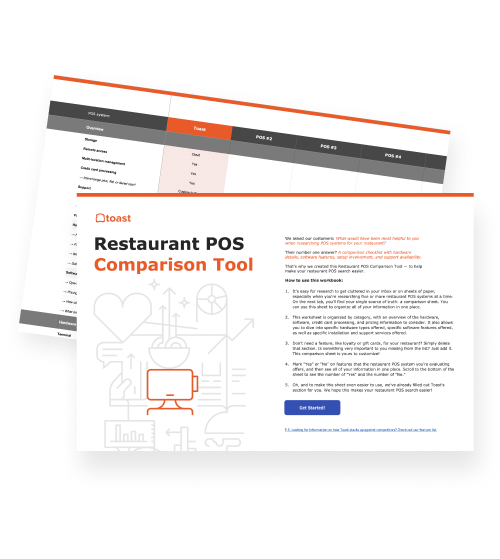
 RESOURCE
 Restaurant POS Comparison Tool
A free, customizable Restaurant POS Comparison Tool to research and compare point of sale systems in one Excel spreadsheet.
ดาวน์โหลดฟรีWhat is a pos system?
A point of sale system, also known as a POS system, facilitates transactions between a buyer and a seller. But a good POS can do so much more.
Let's be real: as a business owner, you rely on your POS provider more than you may realize. Your POS software is your best friend when it comes to processing payments, managing inventory levels, tracking performance, and so much more.
A POS system combines software and hardware to process payments, record sales, and manage the tasks associated with each transaction. In a restaurant, this includes taking orders, sending them to the kitchen, managing checks, and tracking sales.
Those tasks depend on the same information. A server-entered substitution needs to reach the kitchen, and the final payment needs to match the guest’s check. Toast Point of Sale connects these steps so employees can move an order through service without repeatedly entering its details.
This guide explains what a POS system includes, how it works, and how different businesses use it.
Key takeaways
A POS system combines software and hardware to manage sales, payments, and related business activity.
Restaurant POS systems connect order entry, kitchen preparation, payment, and reporting.
POS reports reveal sales patterns and menu performance, but profitability analysis also requires cost data.
The right POS setup depends on how your business takes orders, serves guests, and sells products.
Hybrid POS systems let businesses sell prepared food and retail merchandise in the same transaction.
What is a POS system?
POS stands for “point of sale,” the place or interaction where a customer makes a purchase. A POS system is the technology used to handle that sale and its related business activity. A few terms help explain the difference between the complete system and its parts:
POS system: The software and hardware that manage transactions and connected workflows.
POS terminal: A device employees or customers use to interact with the system.
Payment reader: The component that accepts supported cards and digital wallets.
POS purchase: The individual transaction processed through the system.
For restaurants, a POS system does more than total the bill. It also keeps track of the details employees need to prepare and serve an order, such as modifications, table numbers, and whether the food is for dine-in or takeout.
Retail POS Comparison Tool
This customizable Retail POS Comparison Tool enables you to research, evaluate, and compare point of sale systems side by side in one Excel spreadsheet.

What does a POS system include?
A POS system includes software for managing sales and hardware for entering orders, accepting payments, and communicating with employees. The software handles the information; the hardware gives people a way to use it.
The right combination depends on how the business operates. A small coffee counter may need a different setup from a restaurant with several dining rooms and preparation stations.
Restaurant POS hardware can include countertop terminals such as Toast Flex, handheld devices, payment readers, and kitchen displays—not every restaurant needs every component.
Component | What it does | Restaurant example |
POS software | Manages items, prices, orders, and checks | Records a burger with a substitution |
Countertop terminal | Provides a stationary ordering and checkout screen | An employee enters orders at the counter |
Handheld device | Supports ordering and payments around the restaurant | A server enters an order tableside |
Payment reader | Accepts supported cards and digital wallets | A guest taps a card to pay |
Kitchen display or printer | Communicates orders and preparation instructions | The kitchen receives the burger’s modifications |
Reporting tools | Organizes transaction records into business information | A manager reviews burger sales after service |
How does a POS system work?
A POS system captures an order, communicates preparation details, records payment, and makes the transaction available for reporting. The sequence can vary: counter-service guests often pay before preparation, while table-service guests usually pay after eating. Here’s how orders move through the system.
1. The order enters the system
An employee or guest selects the items and any available modifications. The POS records those choices against a check, keeping the order details together.
Order details: Capture quantities, sizes, substitutions, and add-ons.
Service details: Associate the order with a table, tab, pickup request, or other service type.
Pricing: Apply the configured prices for the selected items and modifications.
For a burger order, that might mean recording “no onions” and an extra cheese charge alongside the drink.
Toast Go® 3 lets employees enter orders where they’re serving guests, reducing trips to a stationary terminal and helping get those details into the system sooner.
2. Preparation instructions reach the team
Once the order is sent, the POS communicates what needs to be prepared. Depending on the restaurant’s setup, the burger may go to a kitchen station while the drink goes to the bar.
Order routing: Send relevant items to the appropriate preparation stations.
Modifiers: Keep substitutions and preparation notes attached to the items.
Order progress: Help employees follow tickets through preparation and fulfillment.
Restaurants can use ticket printers, kitchen screens, or a combination of both. Toast Kitchen Display System delivers order details to kitchen screens so employees can see what needs attention and coordinate preparation.
3. The guest pays, and the check closes
The POS calculates the amount due and records how the guest pays. Employees can review the check and make authorized adjustments before closing it.
Check total: Account for item prices, configured taxes, discounts, and applicable charges.
Payment method: Record cash or process a supported electronic payment.
Check handling: Split payments and record tips where applicable.
Transaction record: Save the payment against the check and provide a receipt.
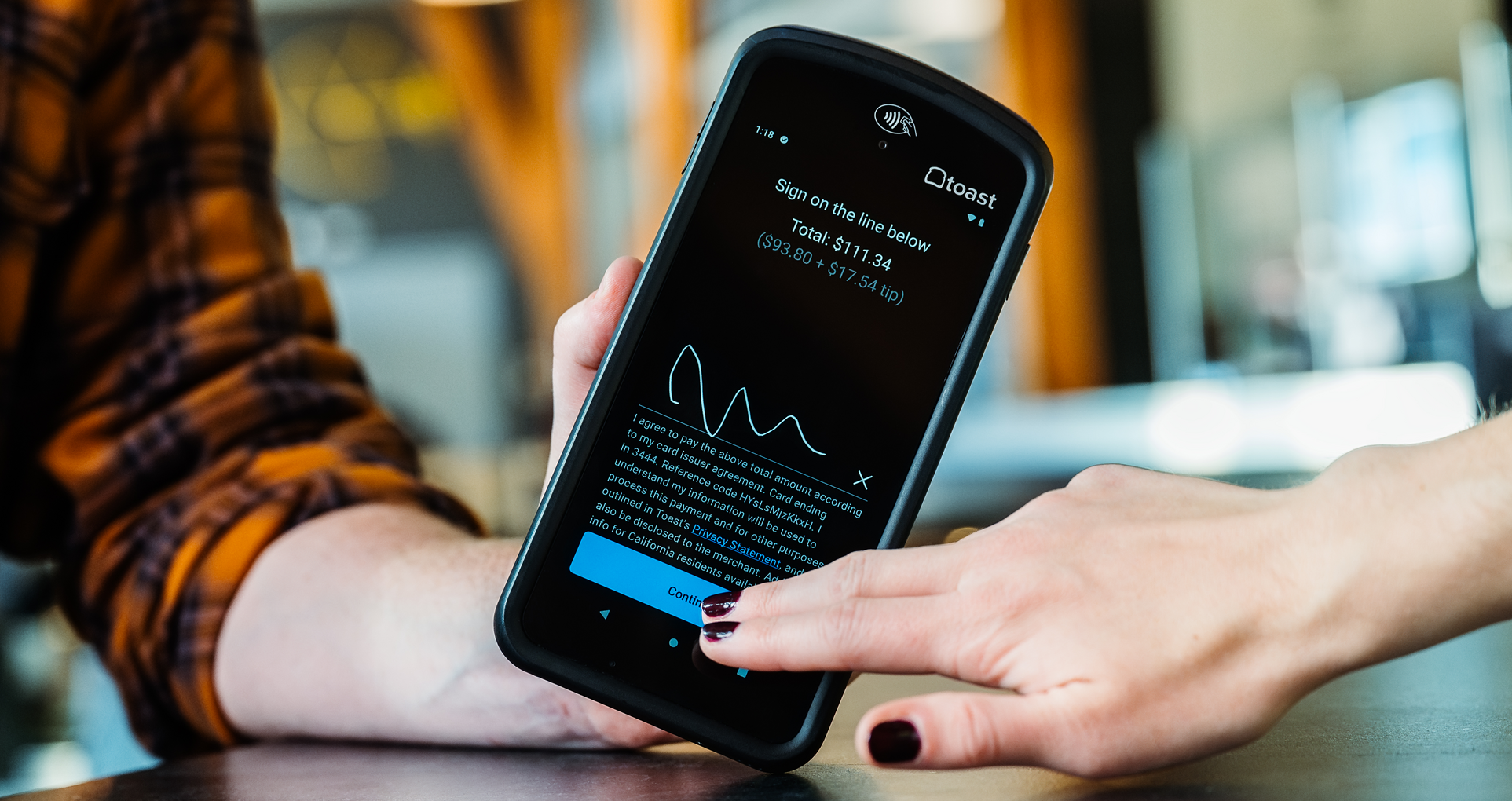
Toast Payments connects payment processing with the restaurant’s orders, keeping the payment and check information together.
4. The transaction becomes useful information
The completed sale contributes to records managers can review. One burger order may not reveal much, but hundreds of transactions can show which items sell, when demand peaks, and how ordering patterns change. POS reports organize these records into summaries operators can use to make decisions:
Sales: Review revenue by time, location, or ordering channel.
Menu performance: See which items and modifications guests purchase.
Operational patterns: Investigate changes in discounts, voids, and other recorded activity.
Toast IQ lets operators ask plain-language questions about supported restaurant data, including sales and menu performance. Toast Benchmarking adds another perspective through aggregated data from comparable Toast restaurants.
Restaurant Equipment Checklist
Opening or upgrading a restaurant? Don't miss any essential equipment! Download our free, comprehensive restaurant equipment checklist.
Types of POS systems for different businesses
POS systems can be described by the businesses they serve. For operators, the practical distinction is what the system needs to help employees do. These categories can overlap. A bakery may also sell retail products, and a casual-dining restaurant may need quick-service tools for a busy takeout counter.
1. Fine-dining POS systems
A fine-dining POS system supports detailed table service, course timing, and coordination between the dining room and kitchen.
The priority is keeping guest requests and preparation instructions clear while allowing employees to manage the pace of the meal. The system should support the restaurant’s service standards without making staff repeatedly leave the dining room to communicate changes.
2. Casual-dining POS systems
A casual-dining POS system helps employees manage tables, modifications, split checks, and communication during everyday service. Many casual-dining restaurants also handle takeout and delivery. Keeping those orders organized alongside dining-room tickets helps the kitchen understand the full workload.
3. Fast-casual POS systems
A fast-casual POS system supports counter ordering with substantial customization, such as choosing a protein, base, toppings, and sauces.
Clear modifiers matter because a short ordering interaction can produce a detailed preparation ticket. Orders from the counter, kiosks, and digital channels also need to reach the team in a usable format.
4. Quick-service POS systems
A quick-service POS system supports rapid order entry, payment, and fulfillment across high-volume service.
Employees need to enter orders accurately without slowing the line. As counter, kiosk, drive-thru, and digital orders arrive, the system should help the team keep track of what needs to be prepared and handed off.
5. Cafe and bakery POS systems
A cafe and bakery POS system handles drink modifications, prepared food, and ready-to-sell products.
A single purchase might include a latte with oat milk, a warmed pastry, and a bag of coffee beans. The setup needs to capture the preparation details while letting employees ring up packaged merchandise efficiently.
6. Bar POS systems
A bar POS system helps employees enter drink orders, manage open tabs, and handle payments throughout service. Guests may add several rounds before paying, so orders need to stay associated with the right tab.
7. Food-truck POS systems
A food-truck POS system supports ordering and payments in compact spaces and changing locations. Mobile devices can help employees serve guests without relying on a large counter setup.
8. Retail POS systems
A retail POS system focuses on selling finished products and tracking them by SKU, barcode, and quantity. Tools such as Toast Retail support product-based checkout and inventory workflows.
The main difference is what happens after an item is selected. A retail product is usually ready to hand over, while a restaurant item may still need preparation, modifications, and coordination across several employees.
9. Restaurant-retail hybrid POS systems
A restaurant and retail POS system supports businesses that sell prepared food and merchandise together.
Think of a market with a sandwich counter or a cafe selling drinks, beans, and brewing equipment. A connected setup lets employees handle the food order and retail purchase in the same transaction instead of asking the customer to check out twice.
Opening a Restaurant Checklist
So many things go into opening a restaurant. Use this free PDF checklist to set your new restaurant up for success.
Give your team a connected way to work
Whether you serve coffee at a counter or several courses at a table, your team needs a clear way to take orders, communicate details, and complete payments. A POS system brings that work together.
Toast Point of Sale connects those everyday tasks with kitchen workflows and reporting. This helps employees keep service moving while you see what’s selling and where there’s room for improvement.
FAQ
What does POS stand for?
POS stands for “point of sale,” the place or interaction where a customer makes a purchase.
What is an example of a POS system?
Toast is an example of a POS system that connects order entry, kitchen communication, payments, and reporting for restaurants.
What are the three types of POS?
There is no universal three-type classification, but POS systems are often grouped as traditional on-premises, cloud-based, and hybrid systems that combine local and cloud functions.
What's the difference between a cloud-based and a traditional POS?
A cloud-based POS uses online services to store and synchronize information, while a traditional POS primarily relies on software and data stored on-site.
Do I need a POS system for a small business?
Not every small business needs a POS system, but it can help businesses manage regular sales, accept payments, and track activity without maintaining separate records manually.
What's the difference between a restaurant POS and a retail POS?
A restaurant POS manages orders, modifications, preparation, and service, while a retail POS primarily handles finished products tracked by SKU, barcode, and quantity.
บทความนี้มีประโยชน์สำหรับคุณหรือไม่
ข้อความปฏิเสธความรับผิดชอบ ข้อมูลนี้จัดทำขึ้นเพื่อวัตถุประสงค์ในการให้ข้อมูลทั่วไปเท่านั้น และการเผยแพร่ข้อมูลนี้ไม่ถือเป็นการรับรองใดๆ Toast ไม่รับประกันความถูกต้องหรือความสมบูรณ์ของข้อมูล ข้อความ กราฟิก ลิงก์ หรือรายการอื่นใดที่รวมอยู่ในเนื้อหานี้ Toast ไม่รับประกันว่าคุณจะได้รับผลลัพธ์ที่เฉพาะเจาะจงใดๆ หากคุณปฏิบัติตามคำแนะนำในเอกสารนี้ คุณอาจต้องปรึกษาผู้เชี่ยวชาญ เช่น ทนายความ นักบัญชี หรือที่ปรึกษาทางธุรกิจ เพื่อขอคำแนะนำที่เหมาะสมกับสถานการณ์ของคุณโดยเฉพาะ
 กำลังมาแรง

Subscribe to On the line
Sign up to get industry intel, advice, tools, and honest takes from real people tackling their restaurants' greatest challenges.
เมื่อส่งข้อมูล แสดงว่าคุณตกลงที่จะรับอีเมลการตลาดจาก Toast เราจะจัดการข้อมูลของคุณตาม คำชี้แจงความเป็นส่วนตัว ดูข้อมูลเพิ่มเติมสำหรับผู้อยู่อาศัยในรัฐแคลิฟอร์เนียได้ที่ คลิกที่นี่